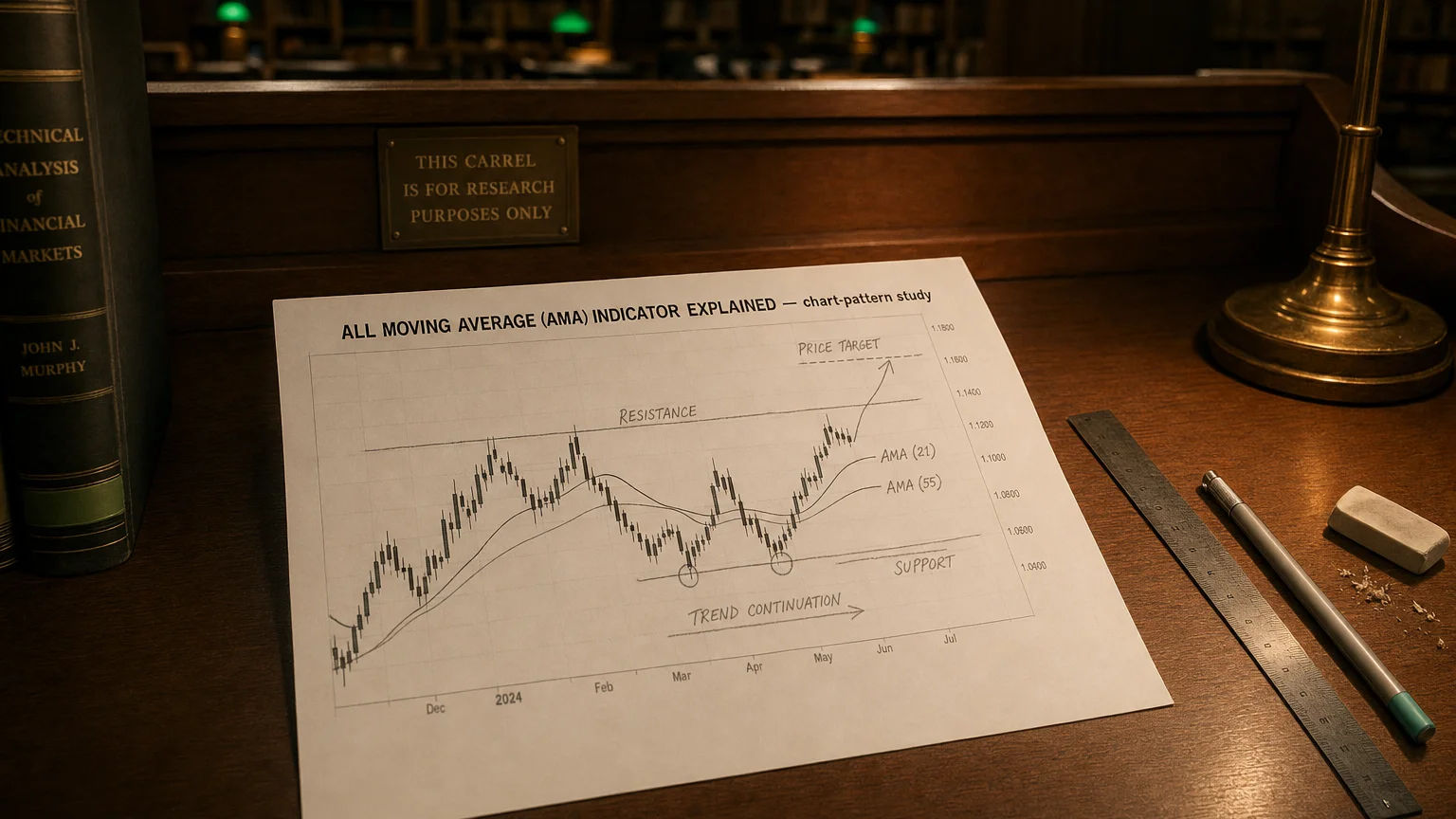
All Moving Average (AMA) Indicator Explained
The AMA indicator bundles SMA, EMA, HMA, VWMA and more into one tool. Switch MA types instantly, add multi-timeframe overlays, and clean up your charts.
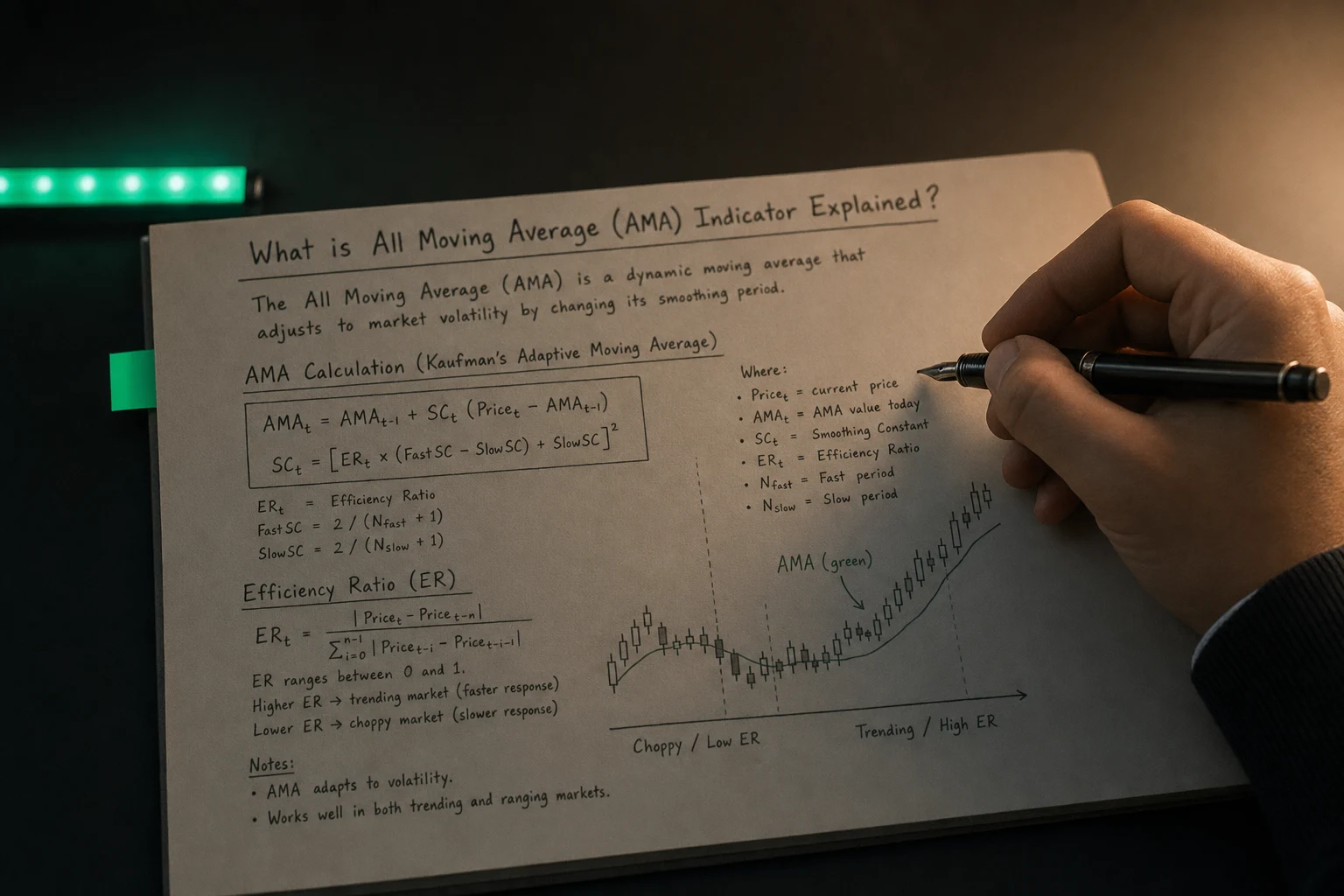
Overview
The AMA indicator bundles SMA, EMA, HMA, VWMA and more into one tool. Switch MA types instantly, add multi-timeframe overlays, and clean up your charts.
The All Moving Average indicator (sometimes called “AMA” on MetaTrader platforms, not to be confused with Adaptive or Kaufman AMA) is a wrapper that lets you plot any major moving-average flavor from a single tool. Instead of juggling multiple MA indicators, you simply select:
Calculation method – SMA, EMA, WMA, SMMA, HMA, TMA, VWMA, etc.
Source price – Close, Open, High, Low, Median, Typical, or even another indicator’s values.
Period & shift – Length (N) and optional forward/backward displacement.
Timeframe override – Plot a higher- or lower-timeframe MA on the chart you’re watching.
Goal: unify your moving-average workflow so trend, support/resistance, and signal lines are all produced by one flexible engine.
Popular MA Types Inside the Package
<table> <colgroup> <col style="width: 21%" /> <col style="width: 53%" /> <col style="width: 25%" /> </colgroup> <thead> <tr> <th><strong>Method</strong></th> <th><strong>Core Formula & Traits</strong></th> <th><strong>Best Use-Cases</strong></th> </tr> </thead> <tbody> <tr> <td><strong>SMA</strong> (Simple)</td> <td>Arithmetic mean of last <em>N</em> prices</td> <td>Baseline trend, long cycles</td> </tr> <tr> <td><strong>EMA</strong> (Exponential)</td> <td>*(Formula — visualization pending)*<br /> weights recent data</td> <td>Momentum, fast crossovers</td> </tr> <tr> <td><strong>WMA</strong> (Linear Weighted)</td> <td>Linearly increasing weights (newest × <em>N</em>, … oldest × 1)</td> <td>Smoother than EMA without as much lag</td> </tr> <tr> <td><strong>SMMA</strong> (Smoothed)</td> <td>SMA seed, then EMA with very small α\alphaα</td> <td>Filtering noise, long-term bias</td> </tr> <tr> <td><strong>TMA</strong> (Triangular)</td> <td>SMA of an SMA (or WMA of WMA)</td> <td>Ultra-smooth center-weighted curve</td> </tr> <tr> <td><strong>HMA</strong> (Hull)</td> <td>Combines WMAs of different lengths, then sqrt(N) smoothing</td> <td>Very fast yet smooth trend capture</td> </tr> <tr> <td><strong>VWMA</strong> (Volume-Weighted)</td> <td>Price weights multiplied by volume before averaging</td> <td>Futures, crypto, where volume matters</td> </tr> </tbody> </table>Most AMA scripts expose a dropdown for “Method = 0…6” (or similar) to toggle between these.
Reading & Using the AMA
| AMA Behaviour | Typical Interpretation | Sample Tactics |
|---|---|---|
| Price above rising AMA | Bullish trend intact | Trade pullbacks to the line, trail stops below it |
| Price crosses above AMA | Momentum shift to bulls | Entry trigger if volume confirms |
| AMA flattens | Range or base building | Switch to mean-reversion or wait |
| Price far from AMA (z-score > 2) | Overextension | Take profits or fade on divergence |
Classic strategies (golden/death cross, bounce off the 20-EMA, 200-SMA dynamic support) transplant directly—AMA just streamlines the config.
Key Parameters & Tweaks
| Parameter | Why It Matters | Pro Tips |
|---|---|---|
| Period (N) | Sets the look-back length → lag vs. smoothness | Short (9–20) for scalps, medium (34–55) for swings, long (100–200) for macro bias |
| Method | Controls responsiveness | Test EMA vs. HMA on your asset’s volatility profile |
| Source Price | High vs. Close can change line placement | Use HL2 (average of High & Low) on wicky instruments |
| Shift | Moves line forward/back | Positive shift can anticipate support zones; negative for centerline alignment |
| Timeframe | Multi-TF context on one chart | Overlay the 4-hour 50-EMA onto a 15-min chart for bigger-picture bias |
Combining AMA with Other Indicators
| Companion Tool | Synergy |
|---|---|
| MACD / RSI | Confirm that momentum oscillators agree with AMA direction |
| ATR Bands | Build dynamic envelopes around AMA for trend-pullback entries |
| Volume Profile | Validate that price-AMA cross happens at high-volume nodes |
| Price Action | Wait for engulfing candles or pin-bars right on the AMA line |
Strengths & Caveats
| Strengths | Limitations |
|---|---|
| “One ring” to test every MA variant | Doesn’t create new math—just aggregates it |
| Multi-timeframe plotting saves chart space | Too many overlays can clutter quickly |
| Fast R&D: change methods without re-adding indicators | Easy to curve-fit if you tweak endlessly |
| Supports custom price inputs (e.g., RSI-based MA) in many versions | Some platforms script-locked to basic MA set |
Implementation Checklist
Define objective – trend-following, mean-reversion, or volatility filter?
Select MA method & period to match that objective.
Back-test on historical data; watch for robustness across markets & regimes.
Layer confirmation – e.g., only take EMA-cross buys when RSI > 50.
Automate alerts – many AMA tools let you trigger on slope change, cross, or distance.
Review quarterly – volatility regimes shift; your “perfect” length might need tuning.
Bottom Line
The All Moving Average Indicator is less a single metric and more a Swiss-Army MA toolkit. It empowers you to prototype, compare, and deploy every major moving-average flavor without bloating your chart.
Master it, and you can dial in the right smoothing for any market tempo—whether you’re day-trading micro futures or swinging blue-chip equities.
Plug it in, fine-tune the strings, and let your moving-average symphony shred the noise.